
For writers and reviewers
Product facts, visuals, and the original sources.
A compact kit for covering email-to-self capture, Siri, Obsidian workflows, or the operations of a small app. Descriptions are ready to copy; setup conditions and source data are linked alongside them.
Updated 1 October 2026 · Maintained by the Simple Memo development team
A short product description
Check the facts before reviewing
| Item | What the product does |
|---|---|
| Product | Simple Memo - for Obsidian |
| Developer | YURIKA, K.K. |
| Capture | Typed notes, Siri and Apple Watch |
| Obsidian | Optional; no community plugin required |
| Direct-folder requirement | A writable vault folder accessible through Files |
| Offline behavior | Email queues in Outbox; folder append can run locally |
The vault picker and the URL-scheme fallback behave differently. With no compatible folder selected, the fallback may open Obsidian. Apple Watch hands off the append to the iPhone. Cloud synchronization can add delay. Normal email sending is not end-to-end encrypted email; local encryption and transport security are separate properties. Read the privacy architecture before making privacy claims.
Use the current setup guide and product page for availability and pricing. This kit deliberately avoids a competing-app speed table: warm and cold starts, different definitions of “ready,” and human actions are not interchangeable.
Setup screens and explanatory videos
These are published Siri setup screens. They show the setup guide; their labels are not a promise that every OS version presents the same interface. Phrases in the images such as “Phone stays pocketed”, “Works the same on every AirPods” and “‘Hey Siri’ always works” are earlier wording, not a guarantee for every device state. See the Siri guide for the current conditions.
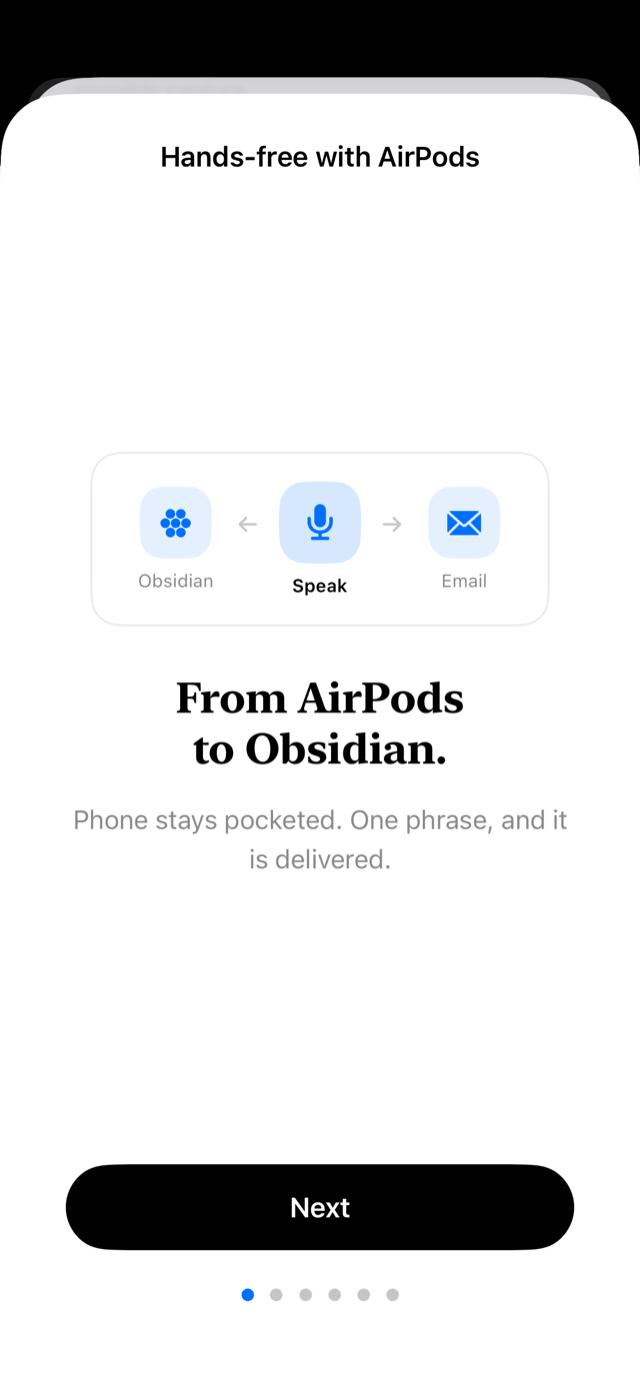
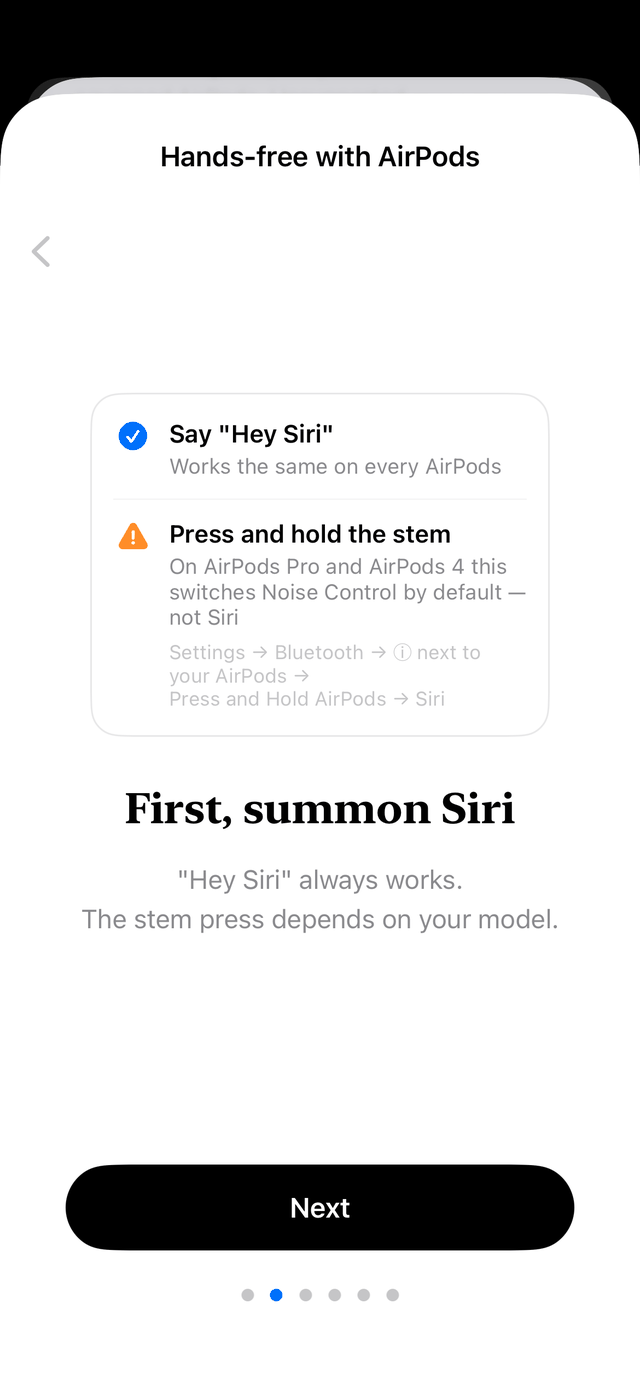
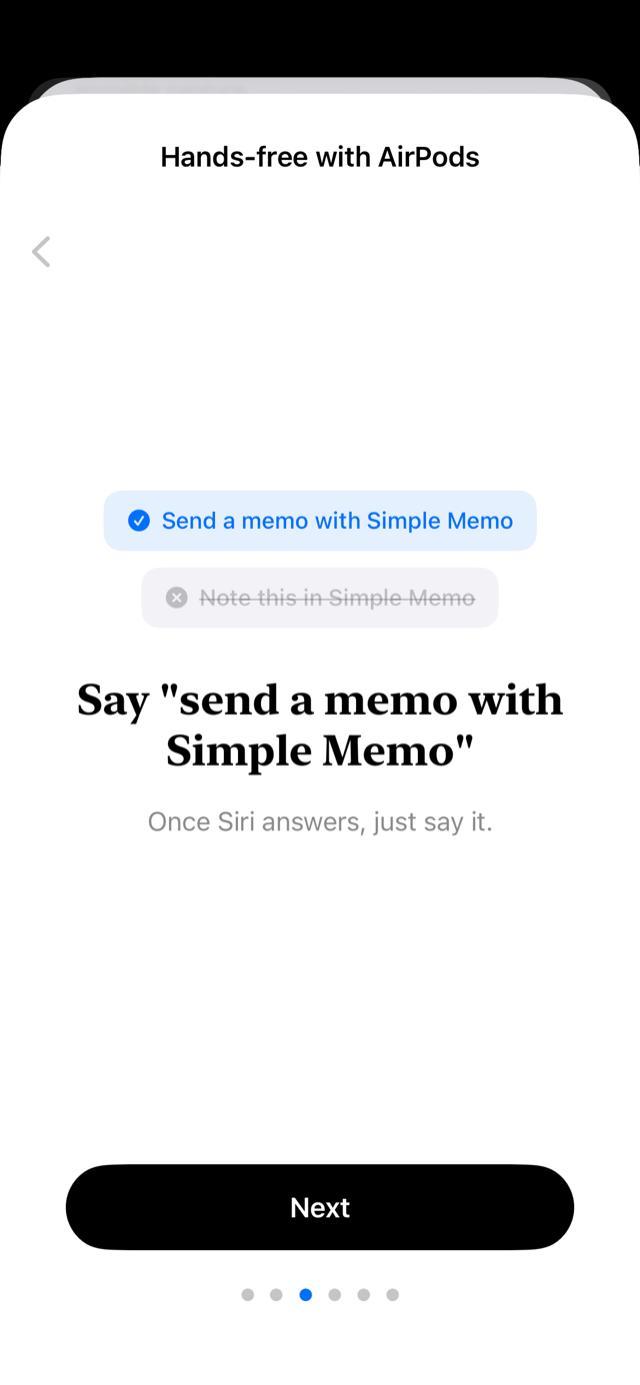
The Siri illustration is a slideshow of the Japanese in-app guide screens. It is not a recording of email receipt or vault storage, and its on-screen phrases meaning “arrives in email and Obsidian at the same time” and “not lost offline” are earlier wording. Email and the vault are separate paths; see the Siri guide.
Three angles with material to inspect
- Returning to email-to-self: a current option for readers who previously used Captio. See the Captio alternative guide; this is not an official successor.
- Capture before organizing: inspect the Obsidian guide and try the standalone Inbox Markdown tool.
- What AI operations actually delivered: the 23-day report includes failed runs, intervention definitions, CSV data, and three reusable charts.
Using the material
When covering Simple Memo, these product descriptions and original illustrations can be used with their context intact. Identify explanatory animations as animations. Screenshots may contain third-party trademarks; this kit does not grant rights in those trademarks or imply endorsement. Please retain the dates and denominators when citing research, and link readers to the relevant source page.
For additional screenshots, an interview, or a reproducibility question, contact the developer. Editorial conclusions and link choices belong to the publisher.