Free, no account required
Build a URL for Obsidian.
This page was machine-translated from Japanese. Read the Japanese original
You can create a obsidian:// URI to use with iPhone shortcuts, etc. Supports the operation of opening notebooks, creating new ones, and opening daily notebooks. If you just want to make URL, you don't need to install Obsidian.
If you only want to add to your daily note with iPhone, you can also use the Obsidian standard "Capture to Daily Note" shortcut. This tool is intended to work with other apps or launchers that require a URI. Obsidian Check the standard functions in the official iOS guide.
Generated URI
Read back the generated query
On this screen, the URI will not be executed and the vault will not be changed. When using the copied URI, first try it with the test note and check the save results with Obsidian.
Which operation do you choose?
| Operation | What you can do | To confirm |
|---|---|---|
new | Create the specified note. If you choose a postscript, add it to the end if there is an existing note. | Select "Postscript" only if you want to add text to an existing note. This tool does not create an overwritten URI. |
daily | Create and display daily notes. If you want to include the text, you can also choose to add. | Enable the core plug-in "Daily notes" of Obsidian. |
open | Displays the existing notes specified. | Confirm that the note exists. |
This tool creates the Obsidian official standard URI. We do not make obsidian://adv-uri dedicated to the Advanced URI community plug-in. Symbols, Japanese, and line breaks are encoded for URI. If you enter the text, it will be a fixed sentence URL. In order to pass a different sentence each time with a shortcut, a separate setting is required to encode the variable URI and incorporate it into the content parameter. The operation depends on the settings and terminal of the Obsidian, so please try it in a short sentence without personal information first. Source: Obsidian official "Obsidian URI".
To specify each action and check the handling of Japanese and symbols, please also refer to the URI guide that supports the official 38 item input and Linux's 58 observation.
If you don't want to make shortcuts every time
This tool is for creating a URI once. If you want to repeatedly leave short sentences and audio from iPhone to Obsidian, you can see how to add to the storage folder selected in Files and how to check the storage in SimpleMemo configuration guide. Folder permission is required to write directly on the app, and please check the save place to see if you can write it properly.
This URI tool can be used for free without installing the app. The link will be moved to App Store.
Read the results of syntax and fixed examples separately
“Syntax OK” means the query can be read back. It does not verify registration of an arbitrary Vault, file existence, the save destination, OS associations, or success on the device. Only fixed inputs are checked against 58 records; both the initial failure to create a file and the successful save in a separate trial are shown for the same daily/unique input. Missing 14 evidence, including truncation caused by a raw #, is not reported as success.
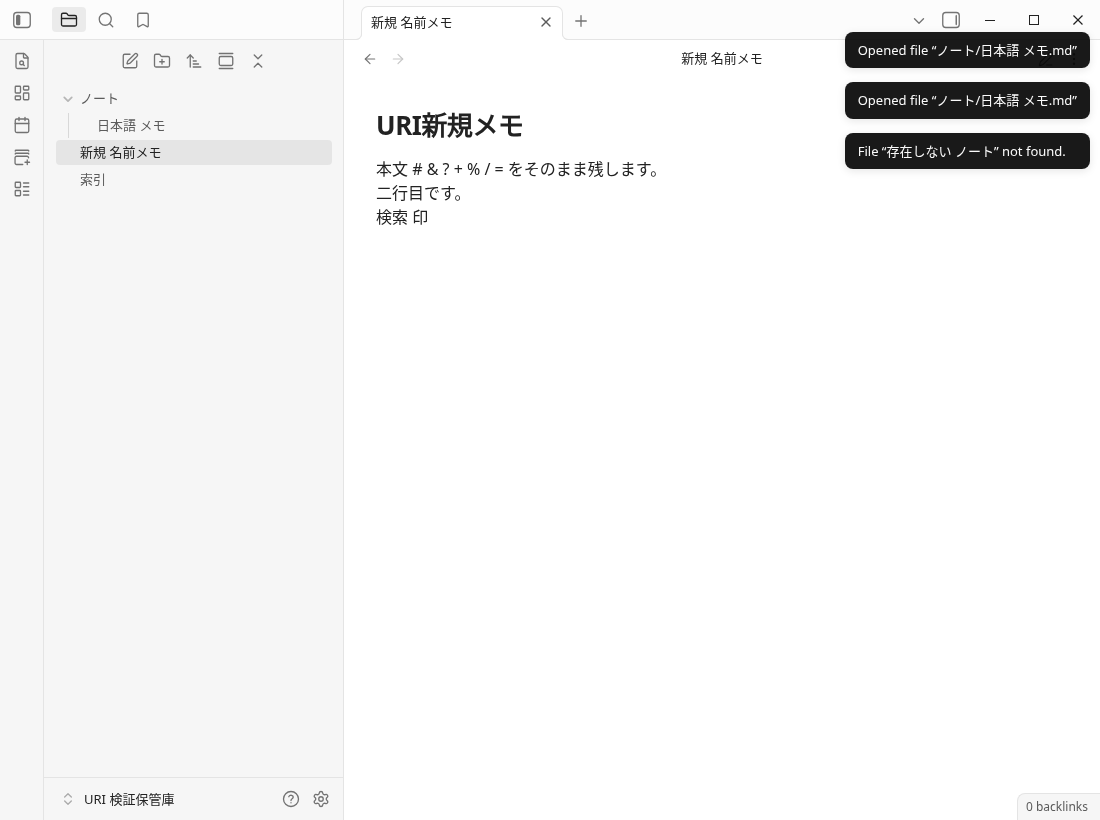
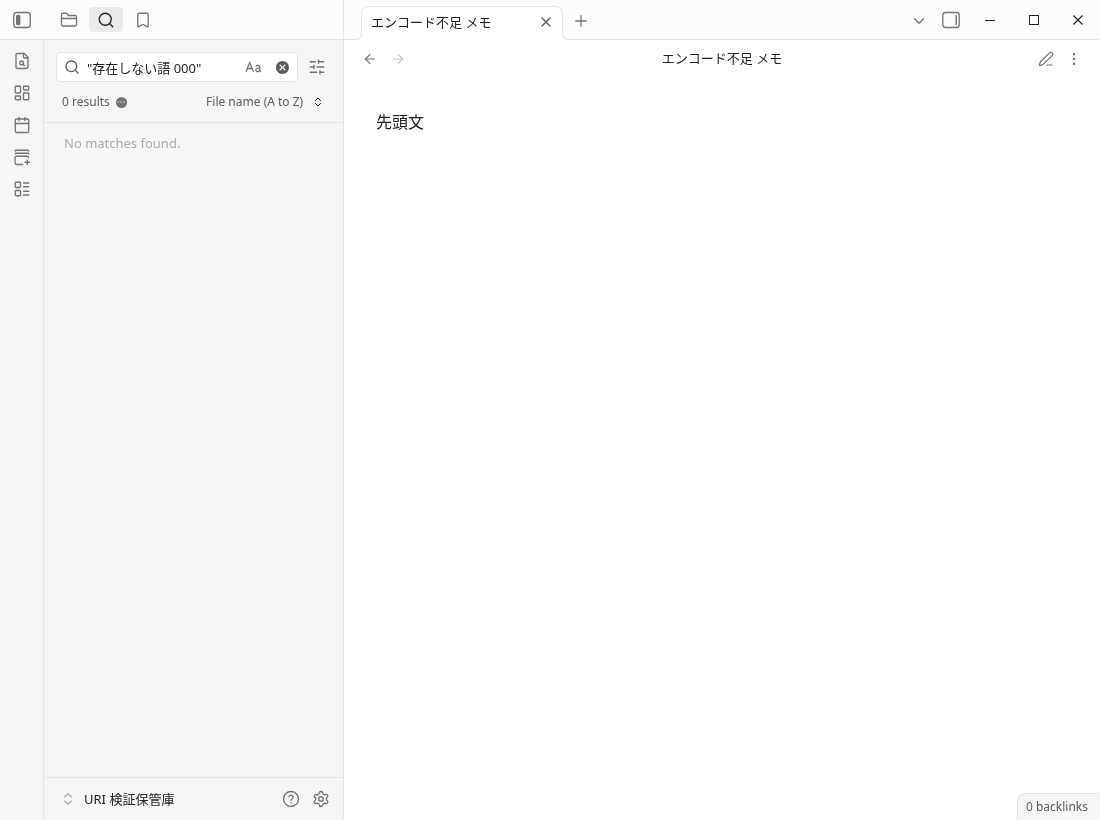
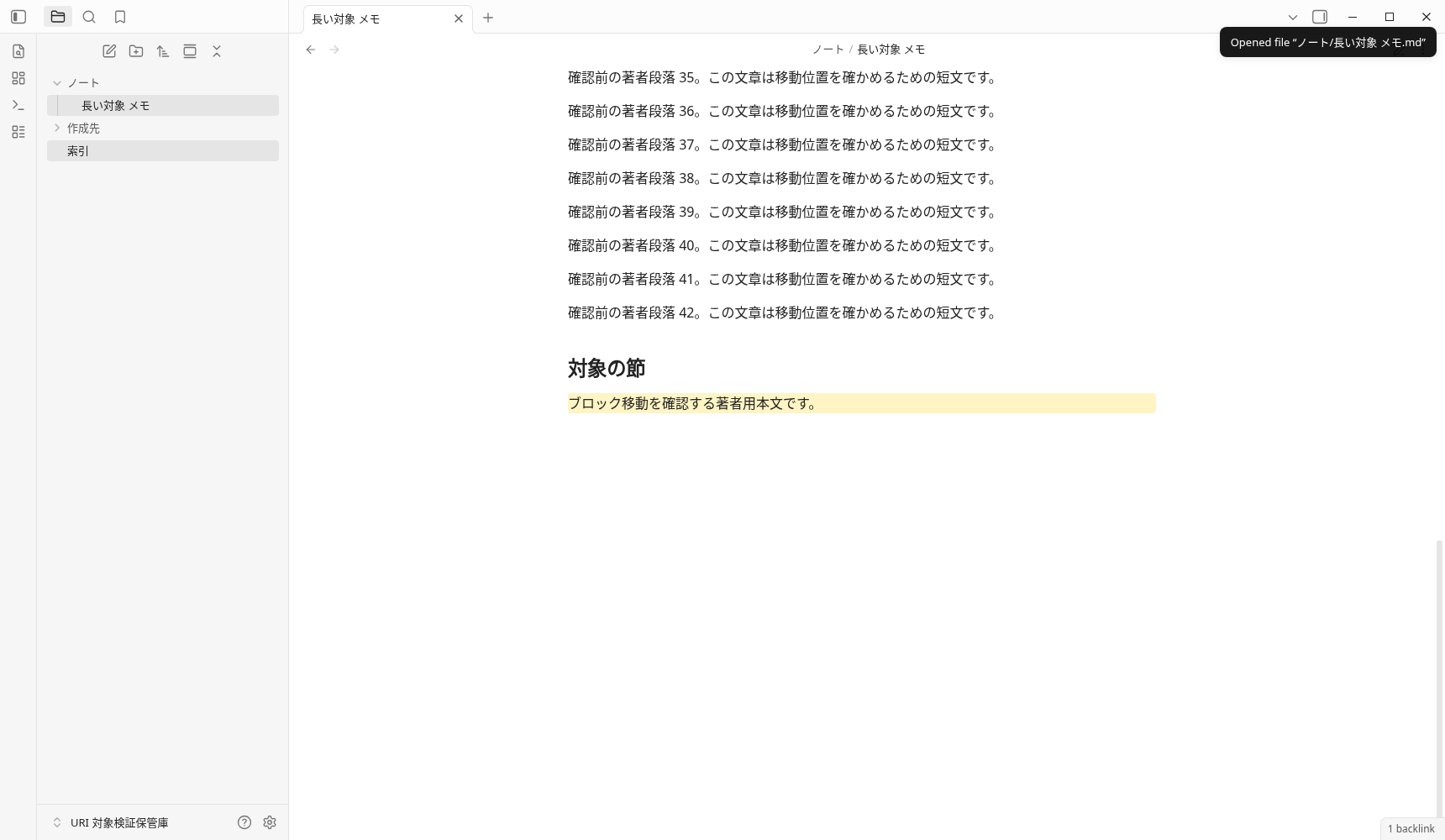
Original Markdown and fixed specification
Original saved text of fixed new (101bytes)
# URI新規メモ

本文 # & ? + % / = をそのまま残します。
二行目です。
検索 印
How the fixed data maps to the originals, and the scope tested. These are limited to the author’s software observations on Linux 1.13.7. iOS, SimpleMemo, synchronization, productivity, and traffic were not tested.
Frequently Asked Questions
Do you want to encode Japanese, spaces, #, & first?
If the syntax confirmation is OK, will Obsidian always succeed?
What if Daily and Unique are not created?
What if you want to add it to your existing notes?
Can you also generate absolute paths, callbacks, and Hooks?
Will the input content be sent and saved?
Next, check the target and settings of the URI
The URI syntax and the actual measurement example of the operation of creating, adding, and opening in Obsidian can be found in the URI reference.
To the reference of Obsidian URI