Obsidian · Transfer notes
Moving to Obsidian from Notion/
This page was machine-translated from Japanese. Read the Japanese original
What is more likely to trouble after migration is the appearance of attachments, links, and text rather than the number of notes. We actually imported the HTML ZIP of Notion and the ENEX of Evernote with the official Importer and compared the original data with the saved Markdown.
Verification date: September 30, 2026 (UTC) · Linux version Obsidian 1.13.7 · Importer 3.1.9
Separe the number that can be imported and the shape that is not left
We saved 4 notes and 5 images from Notion, and 3 notes from Evernote. However, Notion’s collapsed sections and paragraph indentation did not retain their original form. We did not test an actual Apple Notes import on Linux.
Input is a test fixture in the fixed commit of the official repository. This is not the data that the author actually exported from his Notion/Evernote account. In this article, this small example shows what remains and what to rework.
| Transition source | Selected route | Actual results |
|---|---|---|
| Notion | Notion → File import → ZIP of HTML | 4 imported / 5 attachments / 0 failed. Save the parent-child page and images. Folding and indenting change. |
| Evernote | Evernote (.enex) → ENEX 1 | 3 imported / 0 attachments / 0 failed. 3 types of code examples are compared with indentations and symbols. |
| Apple Notes | Check the macOS condition of the fixed source | The actual import has not been verified. It is not the result of success on Mac. |
Check the importer version and storage address on the practice Vault
First, prepare the Vault for empty practice and look at the output in a few notes. The introduction of Obsidian and the creation of Vault are covered in the parent guide for download and installation.
- Enable Importer in Settings → Community plugins. The actual screen of this example is Importer v3.1.9.
- Open the Command palette with Ctrl+P and select Importer: Import notes.
- Select the format of the migration source and check the input file and Output folder. I will also read the preview before execution.
- Select Start import, then separately check the counts of notes, attachments, and failed items shown on completion and the files saved in Vault.
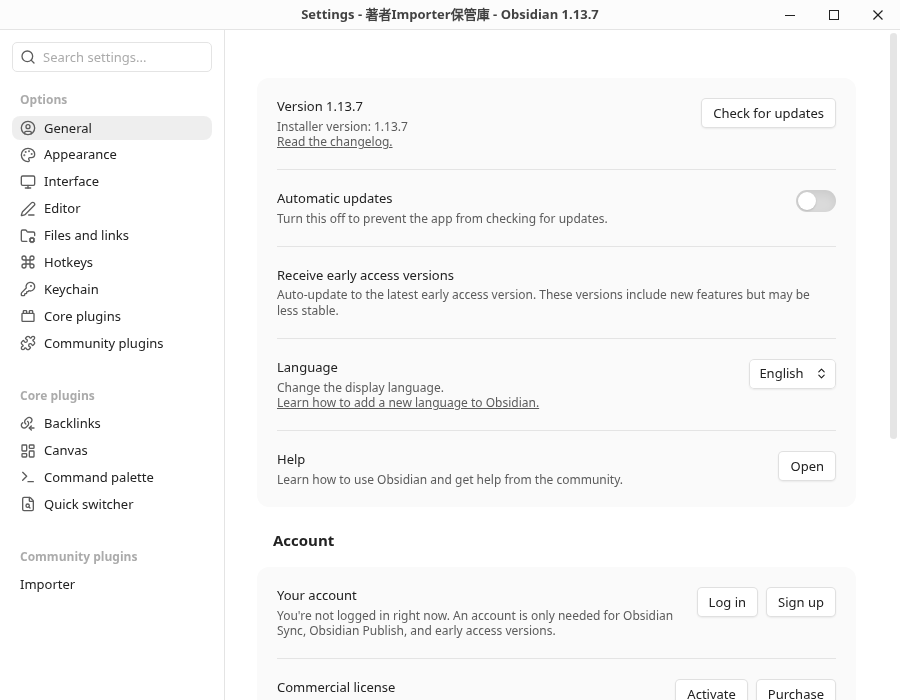
In this initial preparation, the official release main.js, manifest.json, and styles.css were manually deployed to the isolated Vault, and after activation, it was operated with the actual GUI. This is not a verification introduced by clicking Browse → Install in Community plugins. It has not been verified that the same result will be obtained in the version other than the selected 3.1.9.
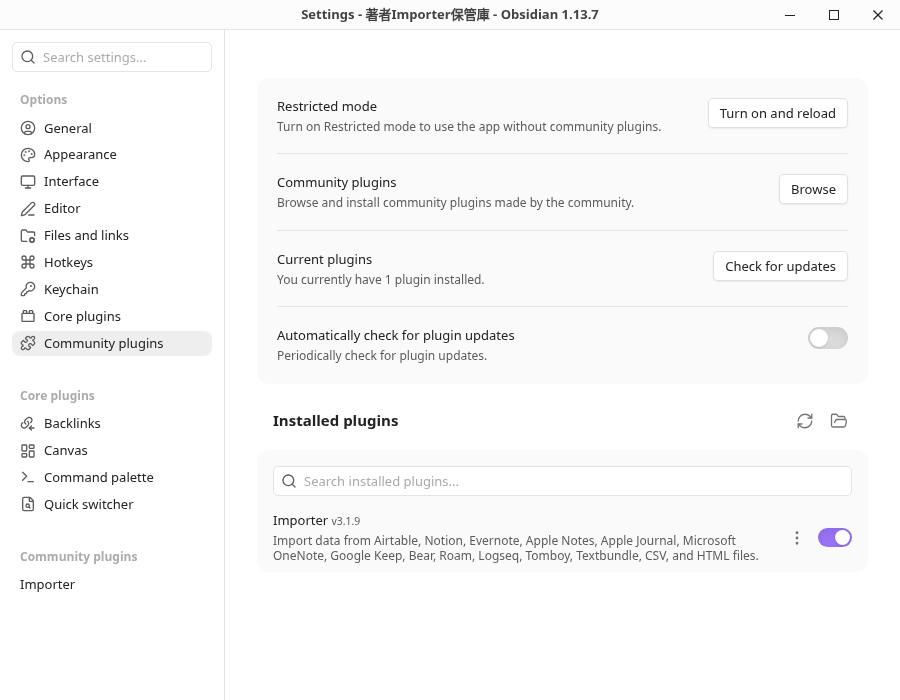
Obsidian and Installer's actual version screen
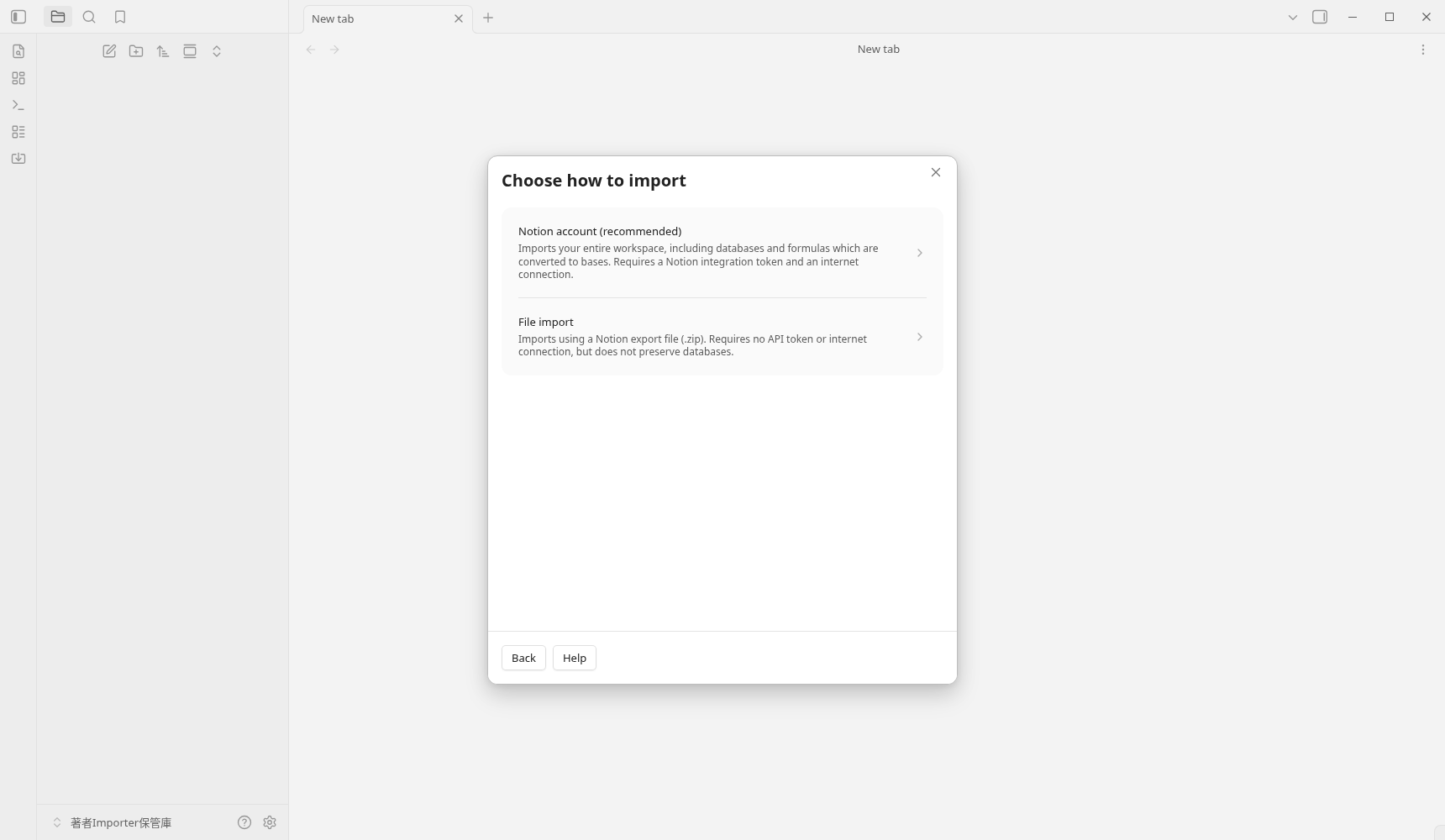
Notion passes the ZIP of HTML to File import
This version of Notion has two routes. This time, I chose File import. The screen says "no token or Internet connection required" and "no database is retained". The migration of the Notion account's database and formula is a separate route, and this verification is not performed.
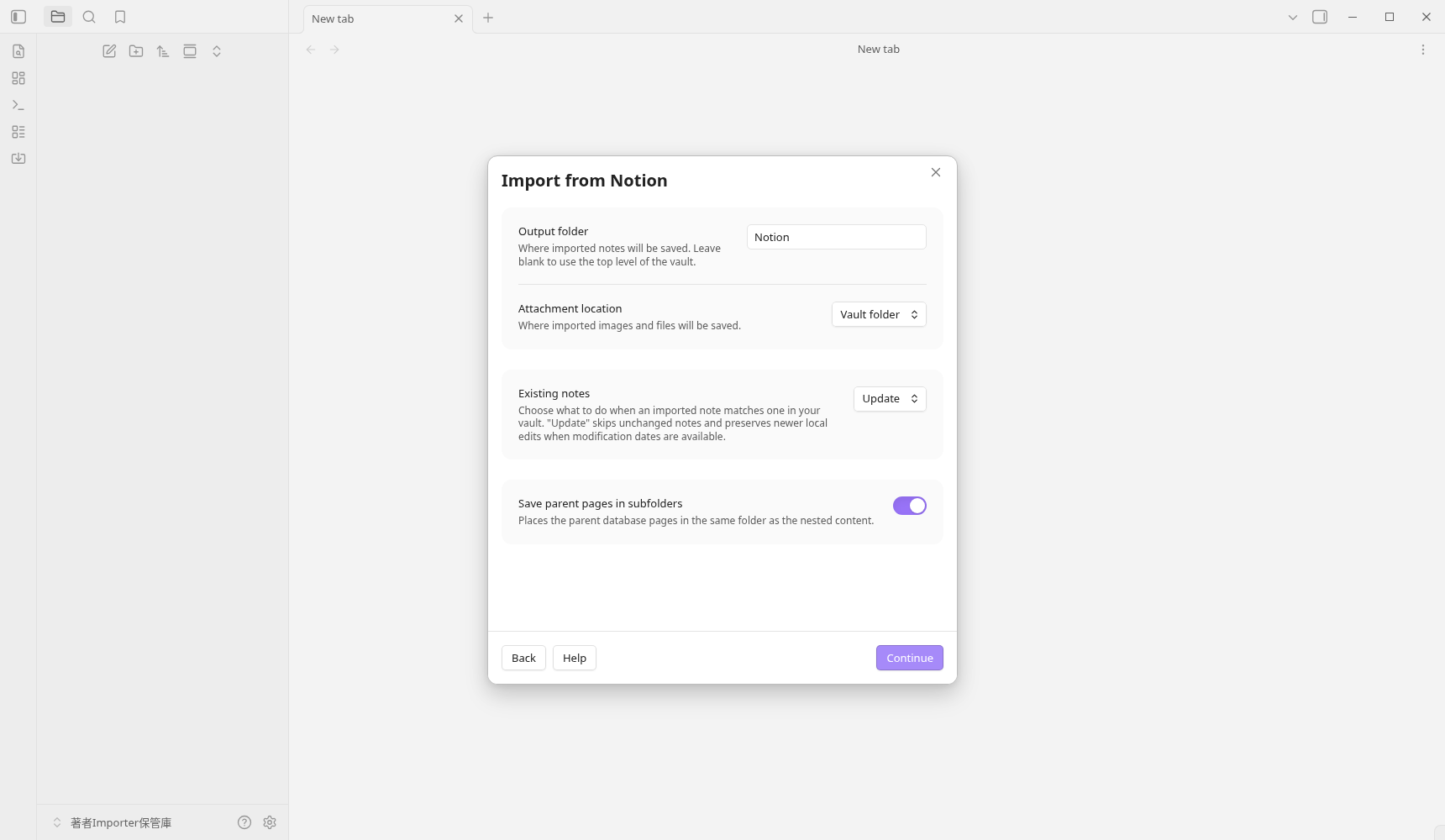
- After selecting Notion, choose File import. The actual screen asked for an export in HTML format. For your own migration, prepare the files using the official export instructions.
- Select the ZIP using Choose file. In the test, we selected the official fixture notion-testspace.zip in the operating system’s file picker. The structure, with 1 additional ZIP files inside the outer ZIP, could be imported directly.
- Check Folders to import and Continue. This time, we proceeded in the initial state of selecting all the targets.
- Output folder was Notion, Attach location was Vault folder, Save parent pages in subfolders was ON. This is an example of an empty Vault without an existing notebook. Update overwriting and conflict processing have not been verified.
- On the next screen, we left Save Notion ID on, Single line breaks off, and no template selected. We read the Preview and clicked Start import 1 time.
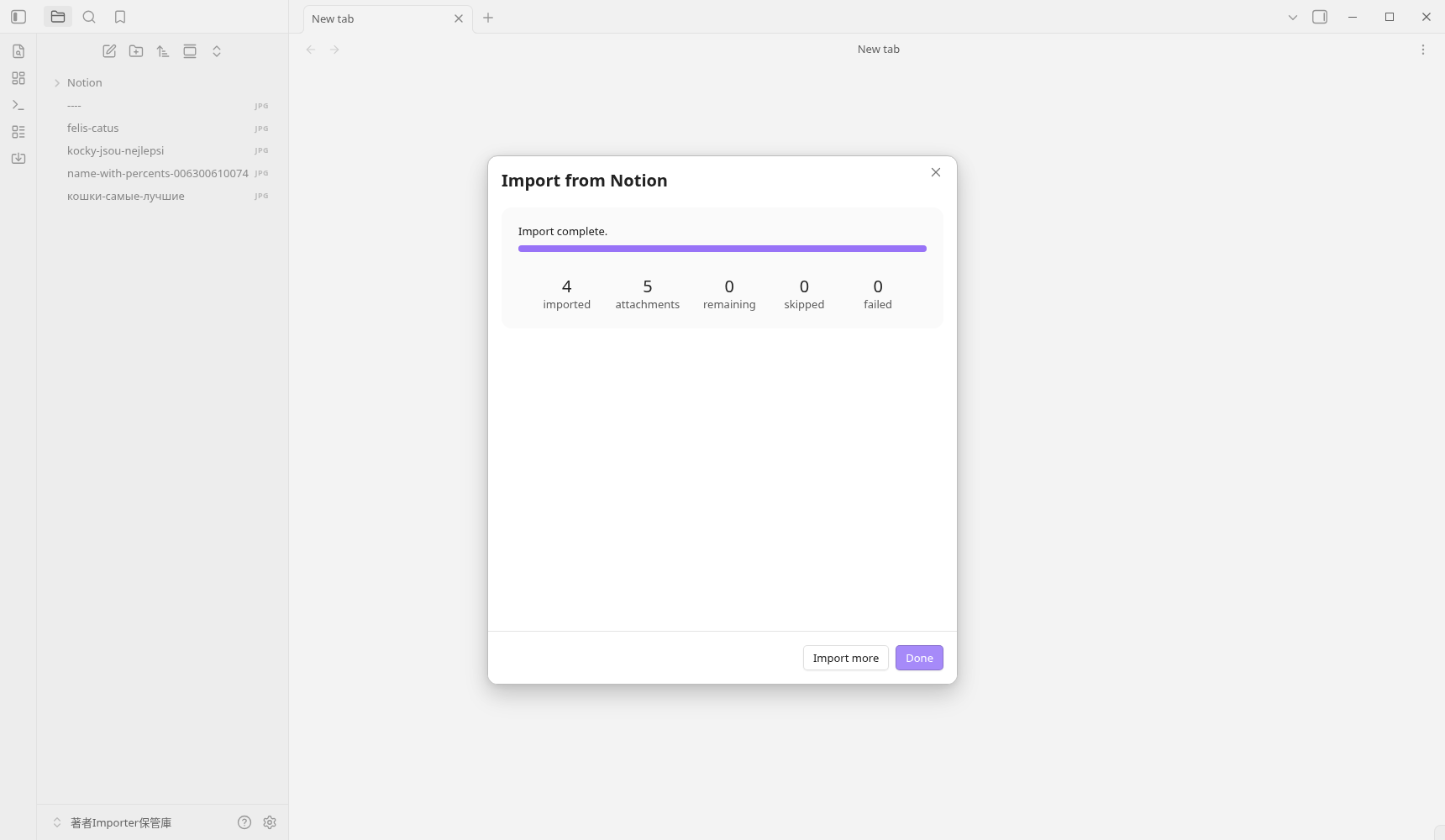
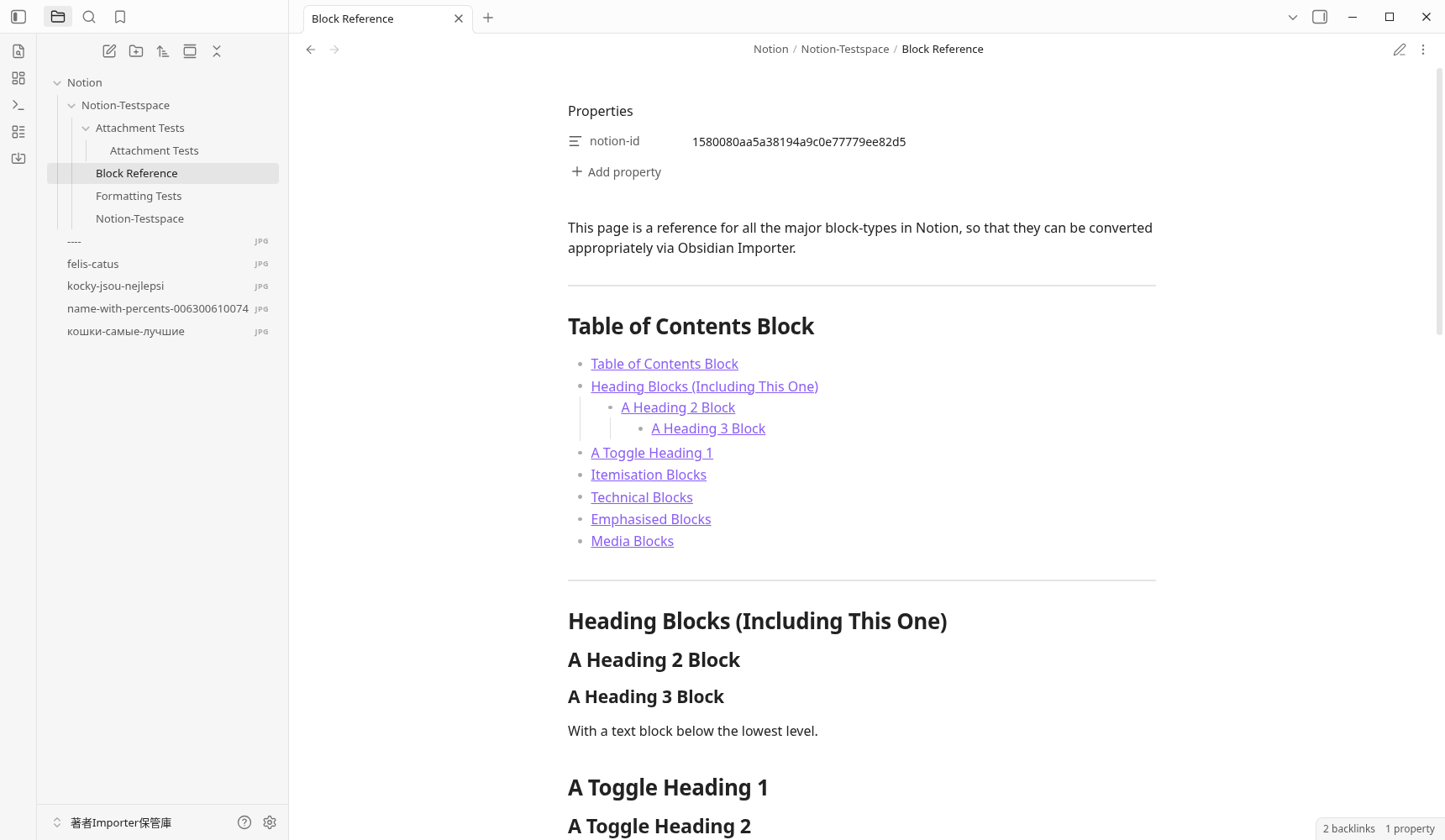
The parent page is Notion/Notion-Testspace/Notion-Testspace.md, and the child page is under the same subordinate. Attachment Tests is also in the folder of the same name. The 3 links in the parent text uniquely correspond to the corresponding child notes of this Vault.
The full text of the actually saved Notion parent page
---
notion-id: 1590080aa5a3802488c2e857dea7aa7d
---
**Notion-Testspace** is a Notion workspace created by [@felciabatta](https://github.com/felciabatta) to test the [Obsidian Importer](https://github.com/obsidianmd/obsidian-importer) plugin.

This workspace has been exported to HTML format, [as described here](https://help.obsidian.md/import/notion), and comprises a single parent-page (this one) and the following sub-pages:

[[Block Reference]]

[[Formatting Tests]]

When importing to Obsidian, if you leave _**Output folder**_ blank all the pages will be stored in a single parent-folder called _**Notion-Testspace**_.

---

[[Attachment Tests]]
5 JPEGs match the original ZIP image and bytes・SHA256. The URL encoding of the file name is decoded, and кошки-самые-лучшие.jpg is also saved. The name that was already ----.jpg in the former export remains the same name.
The full text of the saved attached note
---
notion-id: 15f0080aa5a380c6b16cfed449a03a8b
---
# Filenames

The files below are included to test filenames with special characters — sometimes Notion url-encodes these, sometimes the filenames are entirely destroyed.

![[felis-catus.jpg]]

![[кошки-самые-лучшие.jpg]]

![[----.jpg]]

![[kocky-jsou-nejlepsi.jpg]]

![[name-with-percents-006300610074.jpg]]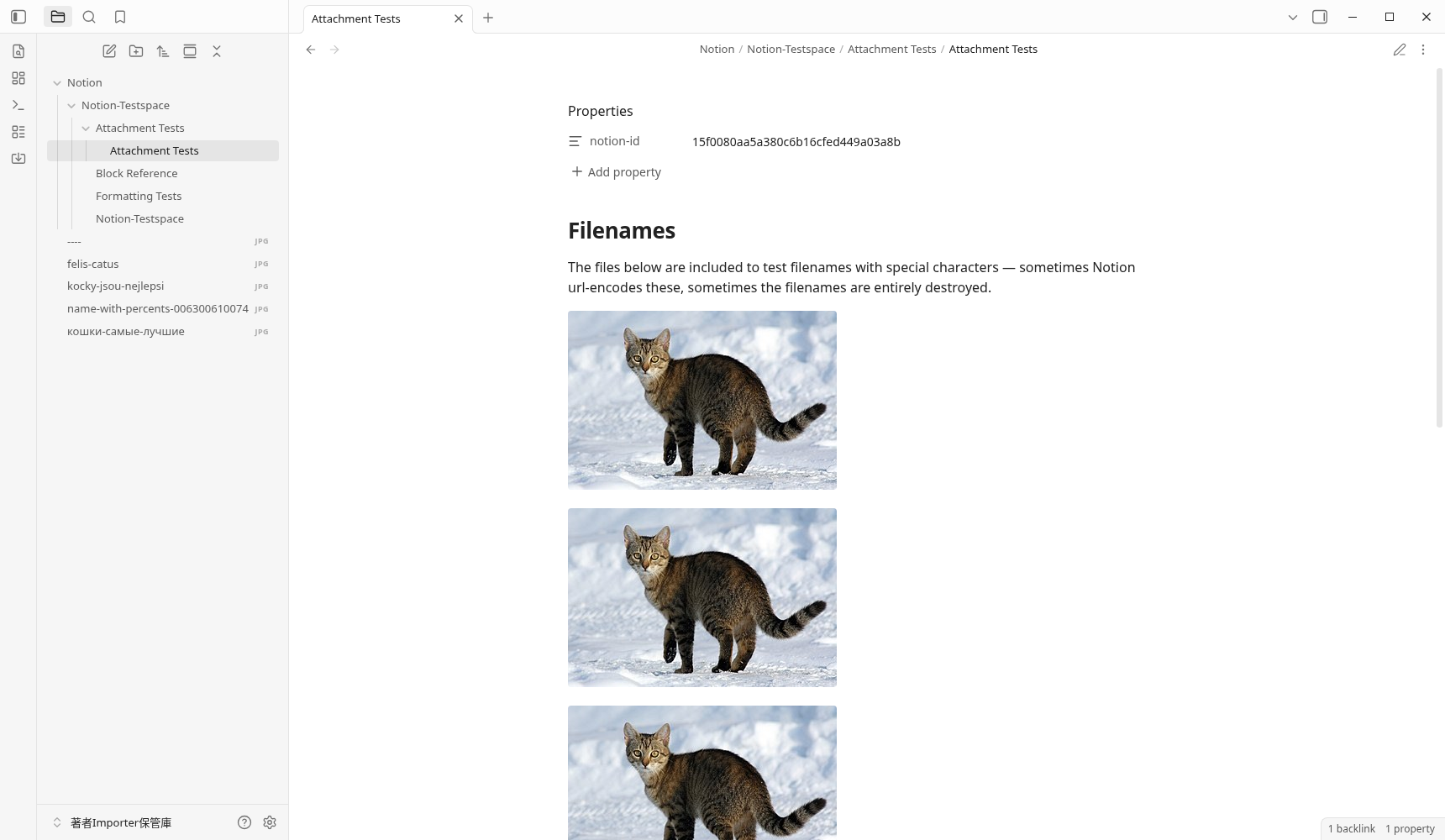
Three examples of changing shape in Notion
| Original data form | Saved results | Confirmation after migration |
|---|---|---|
| Folding heading・toggle list | The hidden text remains and expands to the normal heading and list. The original details/summary folding structure will not remain. | Check if you can read the text, and if necessary, use the headings and list folds on the Obsidian side. |
| Paragraph with infadement | The nested paragraph of the original HTML is a normal independent paragraph. The appearance of the hierarchy by indentation changes. | Determine whether to rework the paragraphs you want to leave the hierarchy into headings and bullet points. |
| Single link to headings and blocks | The output of the example is [[Formatting Tests]]. There is already no anchor for the position in the href of the original HTML. | Look at both the original export and the output, and re-add the link to the required position. It has not been determined that it is only a problem with the Importer. |
For example, the With a hidden text block. and …with hidden content! in the fold of the original HTML remained in the saved Markdown. However, it is the body of the normal headline and list. It is not the result of a complete duplication of the appearance of the original screen.
The single link in Formatting Tests only pointed to the page, even if there was a block ID of Notion in the display string, but the href of the original HTML pointed to the page. Both "Link to heading" and "Link to text block" in the saved example are page links. The link from the teatle of contents to the heading is another example, and the heading link is generated in Markdown, but it is not the result of trying the actual clicks on all links.
In addition, the external web image URL remains in the saved text. Since external communication was stopped in this verification, the display of the external image has not been verified. It is checked separately from the local 5 image.
Evernote selects ENEX and compares the indending of the code
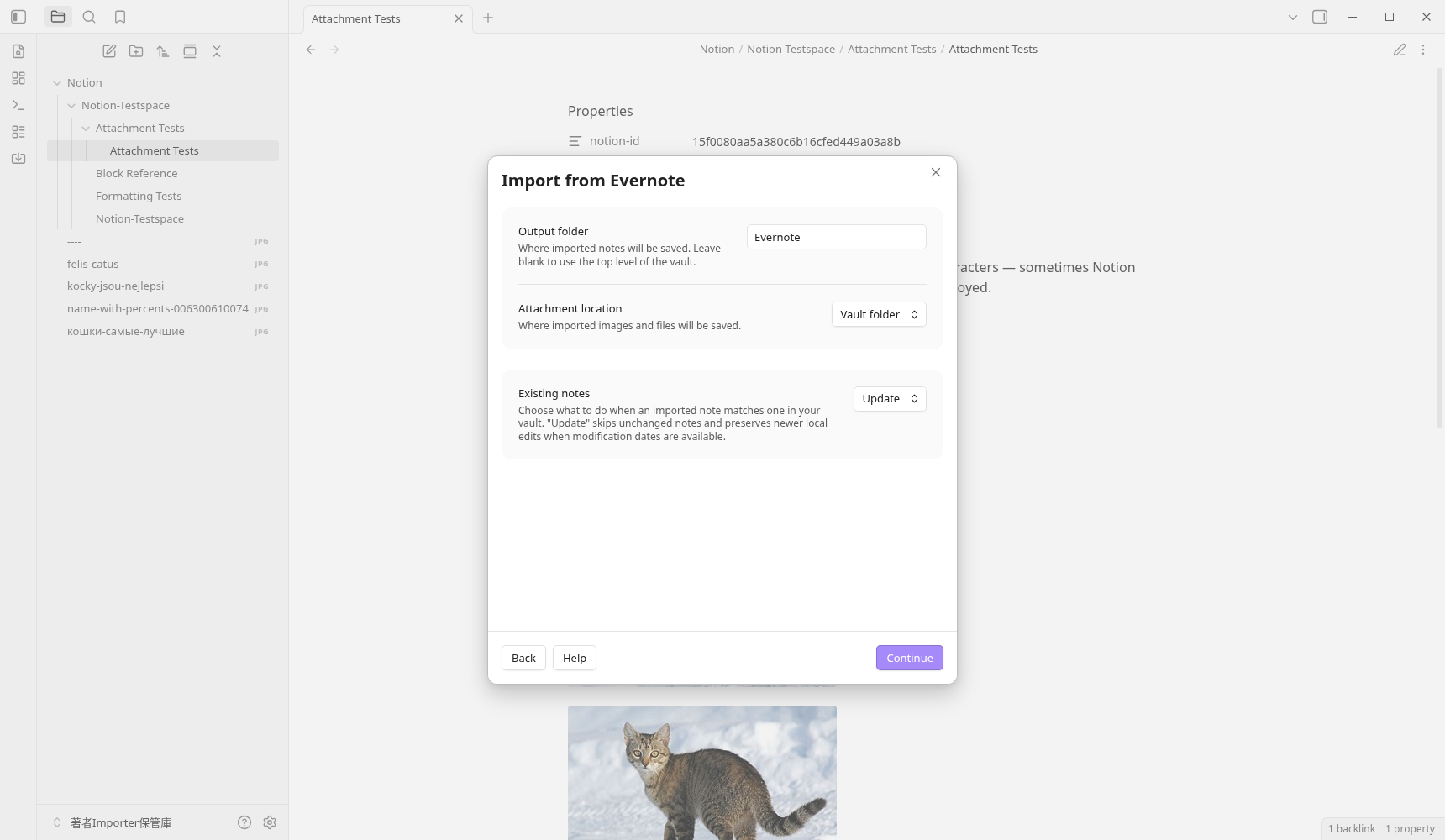
- Open the Importer again from the Command palette and select Evernote (.enex). The actual screen showed the ENEX export for each notebook.
- Choose files. In this example, the official fixture code-block-indentation.enex was passed on the OS file selection screen.
- The Output folder was Evernote, Attachment location was Vault folder, and no template was selected. We chose Continue, read the Preview, and clicked Start import 1 time.
- The completion display is 3 imported / 0 attachments / 0 failed. The 3 notebook was created in the
Evernote/code-block-indentation/of the storage destination.
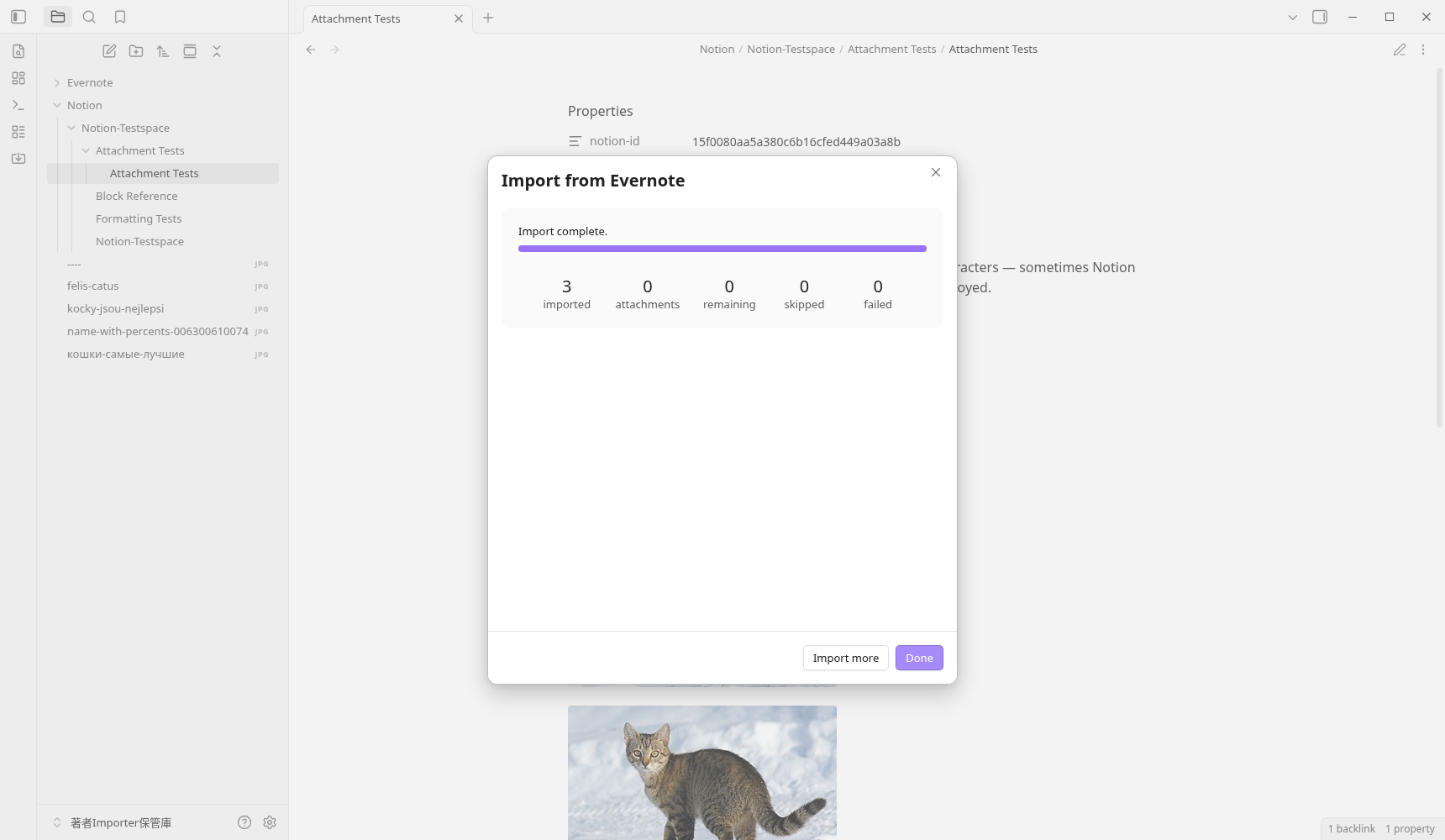
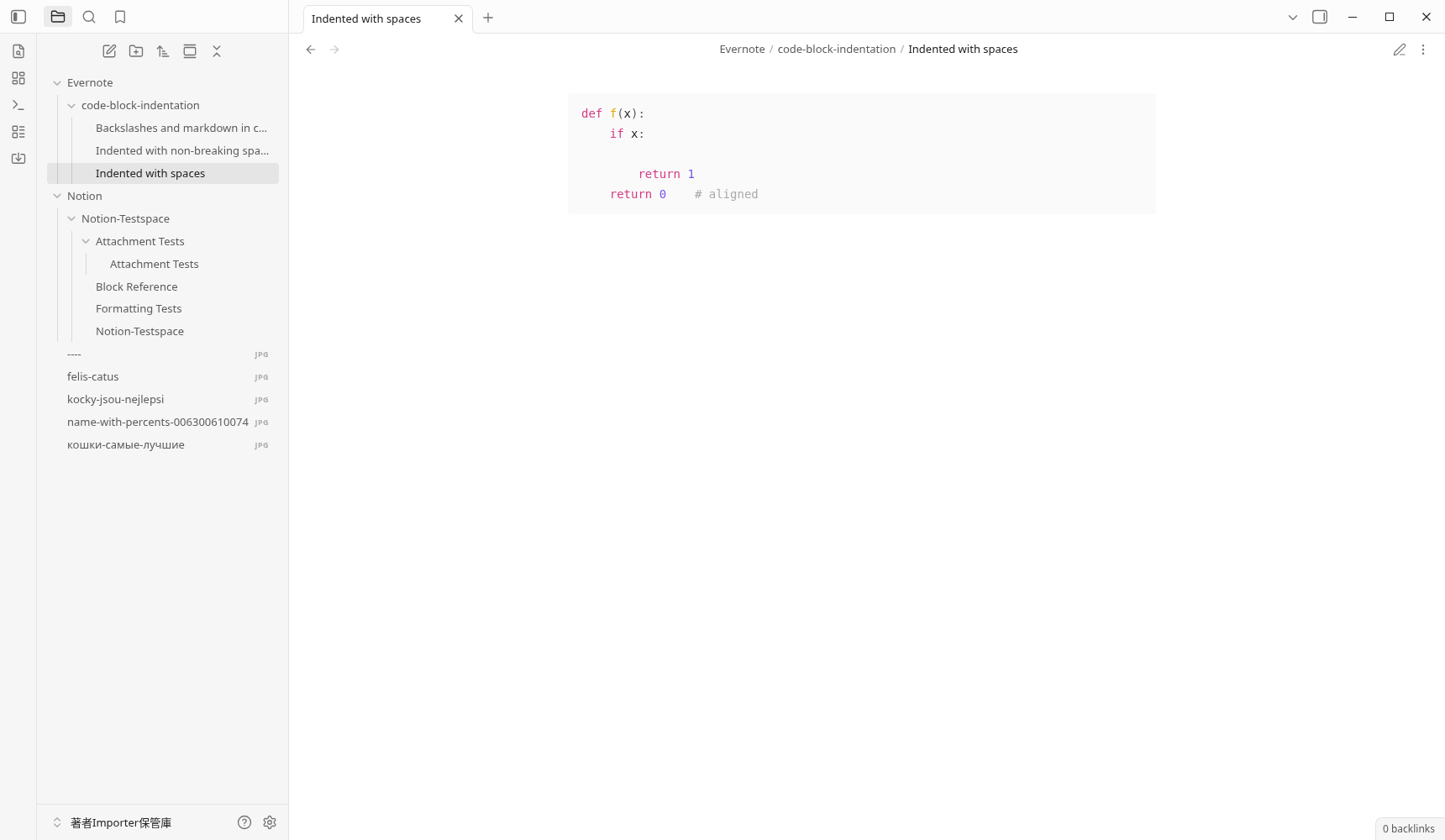
The blank example retains 4 and 8 infolds and blank lines. The NBSP example has changed to a normal blank space, but the indenances of 4 and 8 are the same. Strings including backslash, *, and _ also remained as characters in the code block.
Full text of actual storage including blank indenations
```python
def f(x):
    if x:

        return 1
    return 0    # aligned
```
Full text of actual storage including backslash and Markdown symbol
```bash
grep -o 'a\\*b' file \\
  | sed 's/_x_/*y*/'
```
There is no generated frontmatter in this 3 example. All metadata such as creation and update date and time and tags, attachment of Evernote, and retention of arbitrary formatting have not been verified.
Apple Notes specifies the macOS condition and unverified
The official fixed source is checking the desktop environment with Platform.isMacOS. I'm running the Linux version of Obsidian this time, so I haven't tried the actual import of Apple Notes. There is a difference between being able to read the corresponding conditions from the source and actually being able to migrate on a Mac.
To migrate from Apple Notes, check the official Apple Notes migration instructions and their supported environment. The successful Notion/Evernote imports recorded on this page do not establish a successful Apple Notes import in the actual app.
Compare the small input of the formula with the actual saved example
The input 2 for reproduction is a test fixture in the same fixed commit in the official repository. It is not the export of my account. You can try the same input with the practice Vault, or you can use it to compare the saved text below.
The saved example is the original bytes of Markdown actually generated in the GUI. Only the text 7 is included in the ZIP. Images, plugin body, settings, and input fixtures are not included. If you want to display the link to the attached note with an image, import the original input from the Importer to your practice Vault and check it.
Confirmation and FAQ before and after migration
Which import method do you choose in Notion?
Do you want to decompress the ZIP of Notion first?
If 0 failed, does it look the same as the original?
Why do links to Notion headings and blocks become page links?
Is the indendent of the Evernote code left?
Can Apple Notes also be imported in this environment?
Release date: October 1, 2026
Confirmation scope and official documents
- Linux version Obsidian/Installer 1.13.7, Importer v3.1.9 real screen. The official release assets 3 were activated from the GUI with the quarantine Vault that was manually placed.
- Notion File import and Evernote ENEX are executed from the actual OS file selection and Start import each 1 times. The saved 7 note, 5 local image, and finite text, link, and layout examples were compared with the original fixture.
- Open the attached note of Notion and the blank code note of Evernote again from the file list in the same startup to confirm the bytes match. Restarting the app and reopening has not been verified.
- The PNGs, input fixtures, and saved Markdown retain their original bytes. Helper code was used for preparation and reading; plugin API did not substitute for the import operation or output-file generation.
The error in the prepared profile ID, the failure of waiting for the selector to be clicked, and the fact that only the first Return in the file selection was not closed. The actual selection was confirmed with the Open button on the OS screen. The app exited 0 with a real wait after GUI Close, and Xorg was SIGTERM to the ownership process and actually wait 0. The controller is exited 1 in the Xlib termination process at the end, and it is not a normal termination of the whole. Details will be summarized in verification record.
Not tested: exporting from a real account; Notion account/API, databases, and formulas; running Apple Notes; all metadata or layouts; arbitrary large datasets; other operating systems; iOS; Sync; SimpleMemo; or effects on speed, safety, and productivity.
- Importer 3.1.9 official release
- Official README of fixed commit
- Original of Notion official fixture
- Original of Evernote official fixture
- Fixed source and OS conditions of Apple Notes
We have checked the source of the selected version with the official distribution, but it is not a verification that reproduces the same build from the source.
Next, create an entrance to use the transferred notebook every day
After the migration, check the number of notes, attachments, links, and readability, and revise the necessary text. If you are new to Vault or inter-note links, you can check the basic operation of Obsidian in the parent guide.