From AirPods through Siri
Capture in Obsidian
This page was machine-translated from Japanese. Read the Japanese original
The spoken phrases below are Japanese examples. Check the language set for Siri and the shortcuts registered on your device.
While walking or doing housework, leave iPhone in your pocket or bag. Say “Hey Siri、シンプルメモで残す” to AirPods, then dictate the note when prompted to send it to your email and Obsidian daily note. Depending on the device's lock-screen settings and state, you may be asked to unlock it or interact with the screen. This practical guide uses screenshots from a real device to explain setup and common stumbling points, including the initial stem-press settings and the exact spoken phrase.
Read the textSIMPLEMEMO / iPHONE
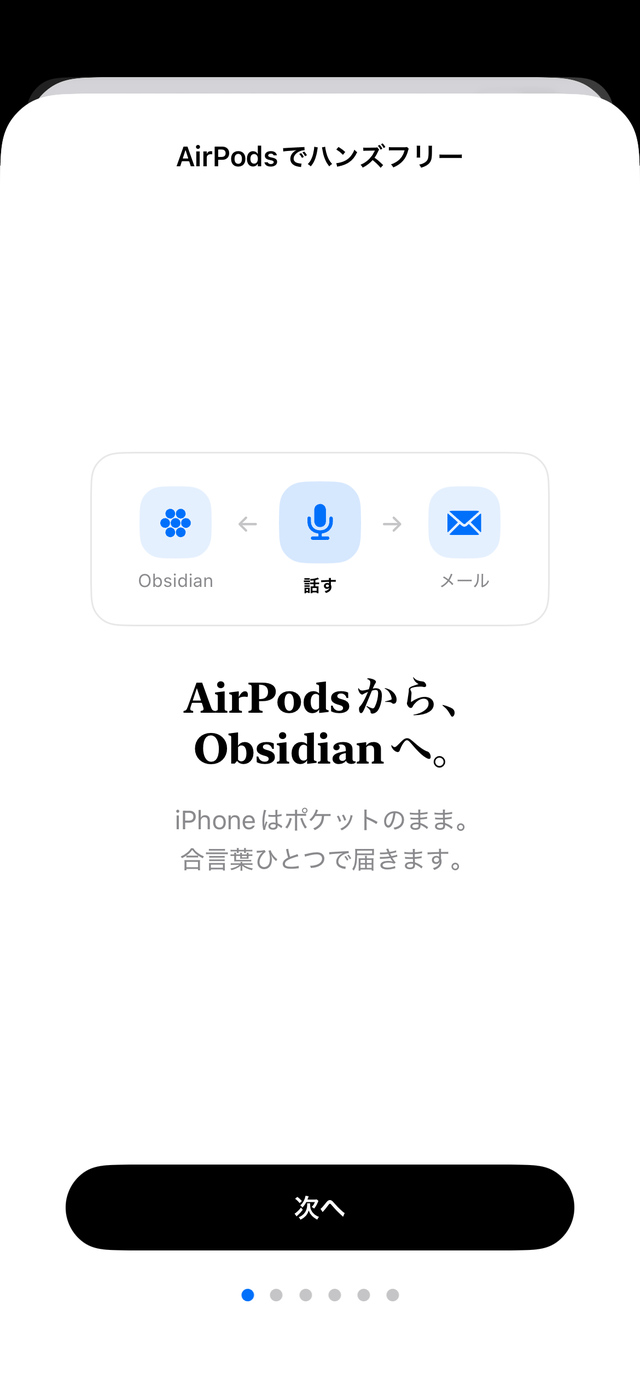
Table of contents of this page
Just talk about what you have to do
If you have set it, the daily operation is this 2 turn. The app won't open. Depending on the locked settings and the state of the terminal, you may be asked to unlock or operate the screen.
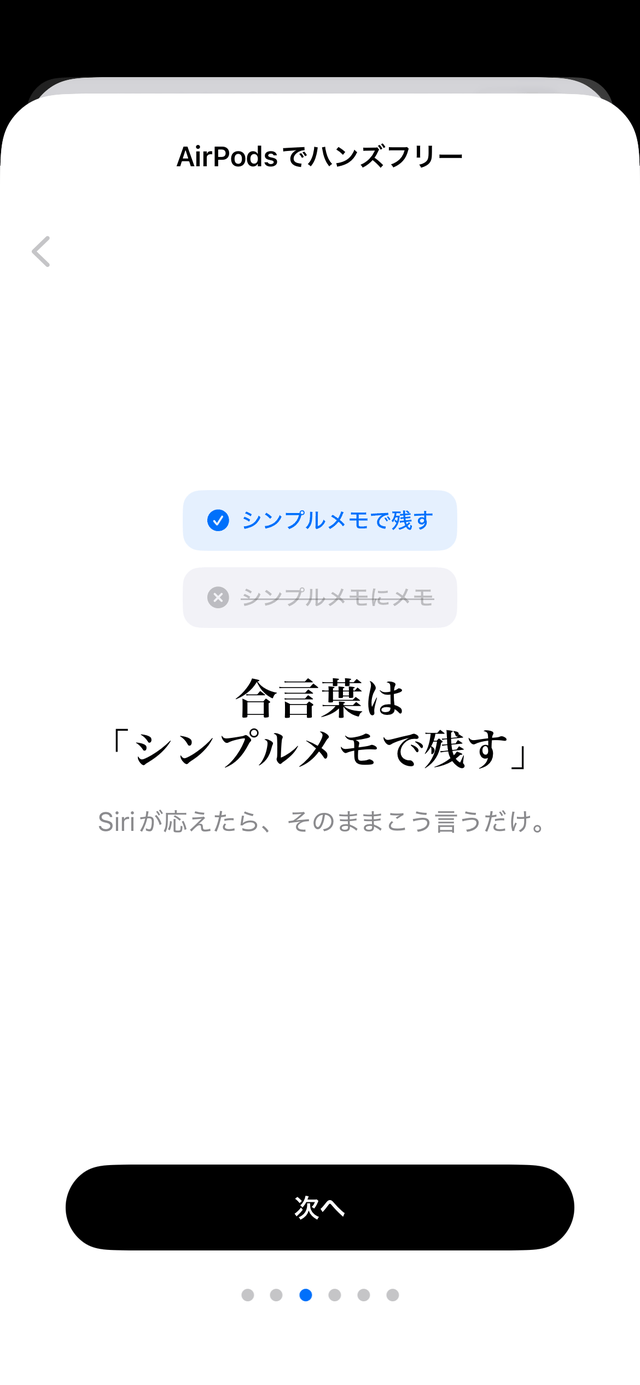
🎧 You “Hey Siri、シンプルメモで残す”
Siri "What do you want to write down?"
🎧 You"I'll stop by the pharmacy in front of the station tomorrow morning"
Siri(transmission completed)
The 1 line you said will be passed to the transmission processing of the app. In normal mode, sending to usual email inbox and adding to Obsidian's daily note are different routes, so please check both after the completion guide of Siri. Since the adding to the repository is done as writing a file to the folder selected by the app on iPhone, the plug-in on the Obsidian side is not required (the target folder on the terminal and the writing permission are required). If the email cannot be sent out of range, save it in an encrypted transmission queue and try to resend it after communication is restored. The Siri call and voice recognition itself may not be available outside the range.
Setting is 3 steps (first time only)
- Complete the initial setup of the app
Authenticate the destination email and make it possible to send it normally once. It may take a few minutes to register the password for Siri immediately after installation, so please launch the app once and wait a little before trying. Compatible OS is iOS 16.4 or later. - Turn on Obsidian Collaboration
If you select the storage folder of Obsidian from the settings of the app, the notes you sent will be automatically added to the daily note. If you don't have a storage room yet, start from Obsidian. The details of the setting procedure can be found on the Obsidian link explanation page. - Make it possible to call Siri from AirPods
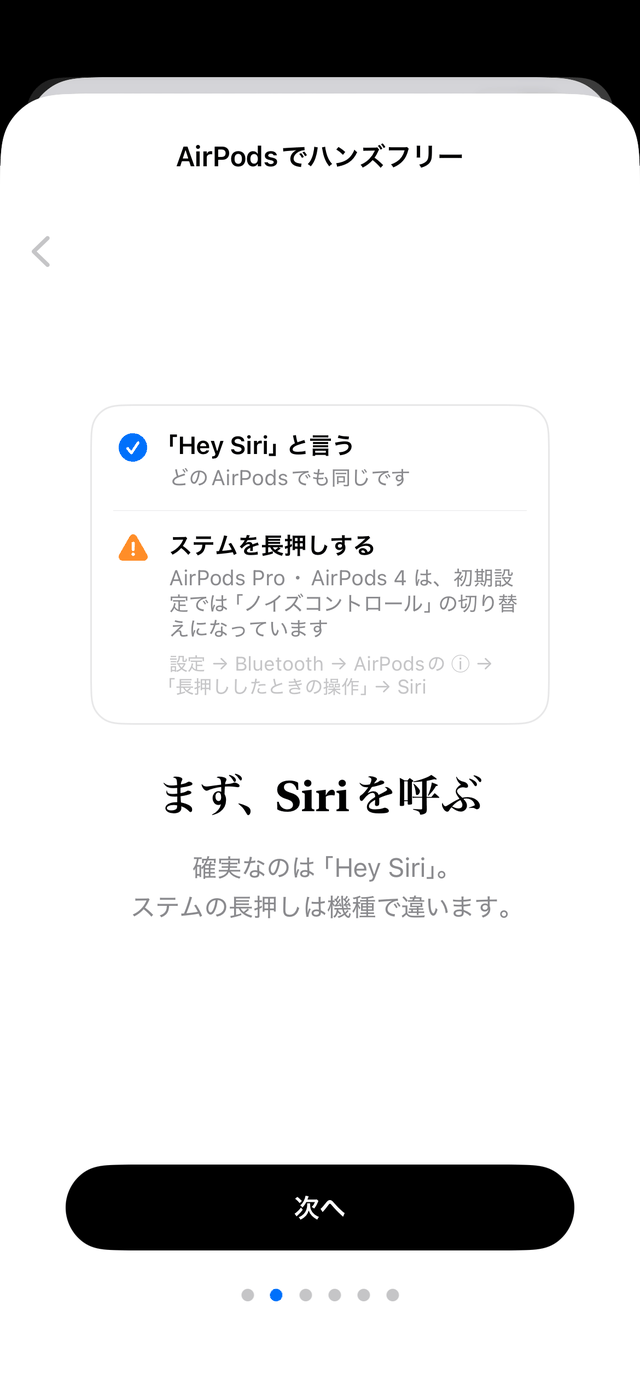
If you call "Hey Siri" by voice, no additional settings are required. If you want to call by pressing and holding the stem, please check the initial setting trap in the following paragraph.
There is a guide with the same content in the app. The screen of the actual machine is this 6. Expressions such as "iPhone is still in the pocket" and "arrive at the same time" in the image do not guarantee operation in all terminal states. The conditions during the lock and the fact that the mail and the vault are different routes are as shown in the text.


Points and constraints that are easy to stumble - know first
When you think of it, talk to Siri from AirPods. You can pass the same 1 line to the email and the daily notebook of Obsidian. The download is free.
